How It Works
SYNTRO AI Directory Listings Presence System
For Business Owners:
Get Listed or Claim Your Business
Claim or Create Your Listing
Many businesses already appear in the SYNTRO AI-Directory.
If your business is listed, you can claim it. If not, you can submit a form to get listed.
Claiming or submitting your listing allows you to:
Control your business information
Choose how you appear in search results
Unlock enhanced visibility options (optional)
👉 Claim your listing or submit your business to get started.
For Business Owners:
Improve Visibility & Stand Out
Optimize Your Listing for Discovery
Once your listing is claimed or approved, you can enhance it to improve how customers find you.
Listings are displayed based on:
Service relevance
Location
Accuracy and completeness
Visibility settings
Businesses that keep listings updated and active are more likely to appear in customer searches.
👉 No contracts. No required advertising. You stay in control.
For Customers:
Search Smarter, Not Harder
Find the Right Business Faster
SYNTRO AI-Directory helps customers find trusted local businesses without endless scrolling.
You can:
Search by service or category
Browse businesses by location
Compare options quickly
Contact businesses directly from their listing
The directory is designed to surface relevant businesses, not random results.
For Customers:
Connect Directly With Businesses
Contact Businesses With Confidence
When you find a business that fits your needs, you can contact them directly through their listing.
Listings are displayed based on:
No middlemen
No paid lead selling
No pressure
Your inquiry goes straight to the business, allowing you to get answers and move forward faster.
Claim Your Business (steps)
If your business already appears in the SYNTRO AI-Directory, you can claim it in just a few steps:
Locate your business in the directory
Click Claim This Listing
Submit the claim form to verify ownership
Once approved, you gain access to manage your listing
Claiming your listing allows you to control your business information, improve visibility, and unlock optional enhancement features.
Submit a New Business Listing
If your business is not yet listed, you can submit it for review:
Click Submit Your Business
Complete the business information form
Our system reviews and validates the submission
Once approved, your business becomes searchable in the directory
There is no obligation to upgrade — basic listings are available, with optional visibility enhancements.

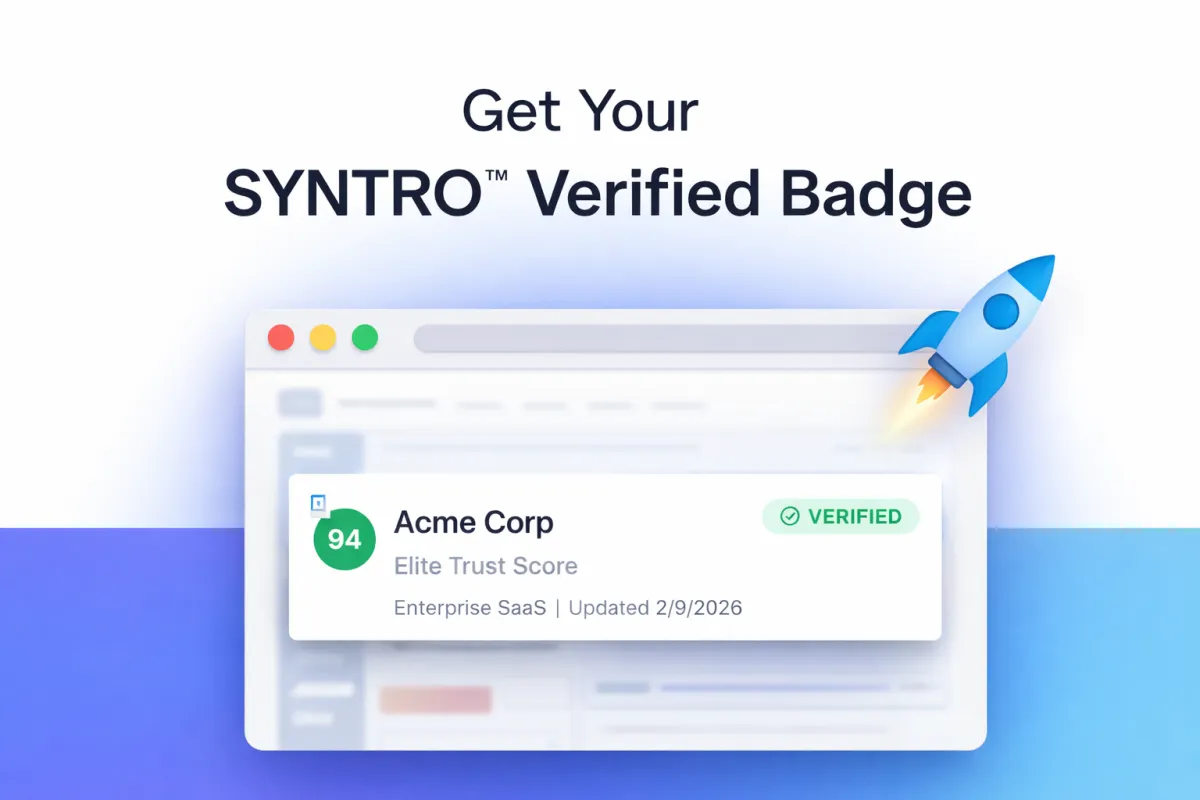
The listing score and badge reflects listing completeness
and accuracy — helping both customers and
discovery systems better understand your business.
What Businesses Can Do After Claiming
Manage, Improve, and Monitor Your Listing
Once a listing is claimed, businesses can actively manage how they appear in the SYNTRO AI-Directory.
After claiming, businesses can:
Update and maintain accurate business information
Ensure services and service areas are clearly defined
Improve listing completeness and clarity
Become eligible for enhanced visibility options
Receive and respond to customer inquiries directly
Automated Notifications & Follow-Ups (Enhanced Listings)
Businesses with enhanced or featured listings gain access to automated inquiry notifications and follow-up tools.
When a customer submits an inquiry:
The business is notified immediately
The customer receives a confirmation message
Both parties know the inquiry was delivered successfully
This automation helps reduce missed inquiries, improve response time, and create a smoother experience for both businesses and customers.
Basic listings allow direct inquiries.
Enhanced listings add automation and reliability.
How Customers Find & Contact Businesses
Designed for People Who Want Answers — Not Endless Scrolling
The SYNTRO AI-Directory is designed for people actively looking for services, not just browsing.
Customers can:
Search by service or category
Explore businesses by location
View detailed listings with clear information
Contact businesses directly
There are no lead brokers, no middlemen, and no paid gatekeeping of inquiries.
From Search to Contact — Simple and Direct
When a customer finds a business that fits their needs:
They view the business listing
They review services, location, and details
They contact the business directly through the listing
The inquiry goes straight to the business — not sold, resold, or rerouted.
This creates:
Faster responses
Better communication
Higher-quality interactions
Enhanced listings include automated inquiry
notifications and follow-ups.
Designed to help businesses respond faster and customers
feel confident their request was received.
What Happens After an Inquiry Is Sent
Direct Communication — No Middlemen
When a customer sends an inquiry through the SYNTRO AI-Directory:
The inquiry is delivered directly to the business
The business receives the customer’s message and contact details
The business responds directly to the customer
No third-party lead selling or rerouting occurs
SYNTRO does not sell, resell, or gate inquiries.
The platform exists to connect customers and businesses — not stand between them.
What’s Different With Enhanced Listings
For businesses with enhanced or featured listings, the inquiry process includes automation:
Customers receive an automatic confirmation that their inquiry was sent
Businesses receive instant notifications so inquiries aren’t missed
Follow-up reminders can be enabled if no response occurs
This creates clarity on both sides and helps conversations move forward faster.
Want to learn how AI search and discovery
works behind the scenes?
Learn more about how SYNTRO AI-Directory
helps businesses get discovered →

Subscribe to Our Newsletter
COMPANY
LEGAL
Support
FOLLOW US


Website Built and Managed by Momentum Business Solutions - Copyright 2026. SYNTRO™ AI Directory Presence System. All Rights Reserved.